블로그 · 2023년 5월 22일 · 읽기 1분
CSS 선언순서 (PostCSS Sorting 이용하기)
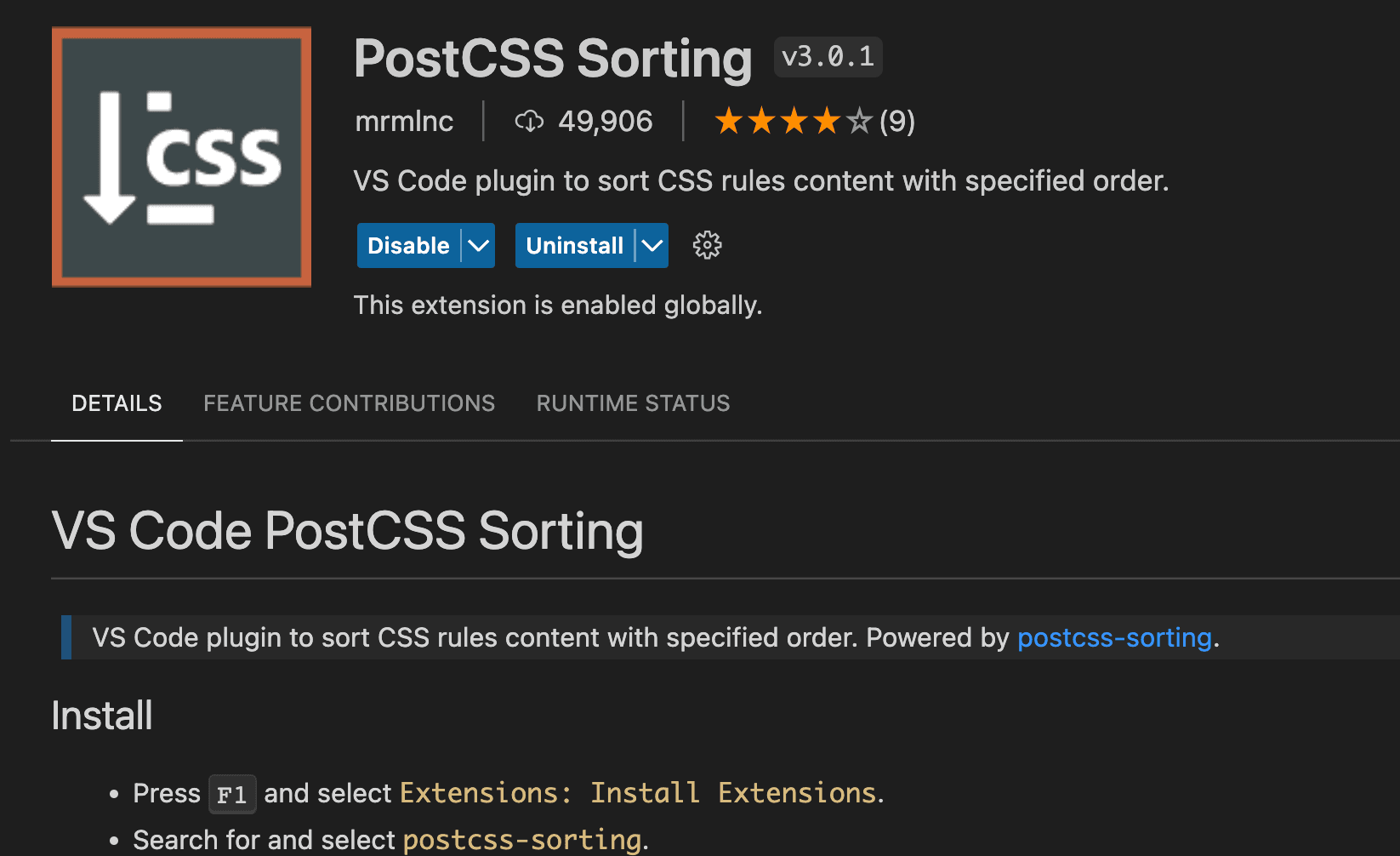
NHN 코딩 컨벤션에 따른 CSS 선언순서를 지켜야하다보니 마크업하는 시간이 꽤나 오래 걸렸다. 보다 빠르게 작업하기 위해 여러 익스텐션을 찾아보던중 postCSS Sorting 을 사용하게 되었고 그동안 사용해보며 마크업 시간을 많이 단축시키게 되어 소개한다.
PostCSS
CSS 속성 순서를 정돈해주는 VScode EXTENSION 이다.
1.익스텐션을 인스톨하고 익스텐션의 settings 파일을 열어준다.
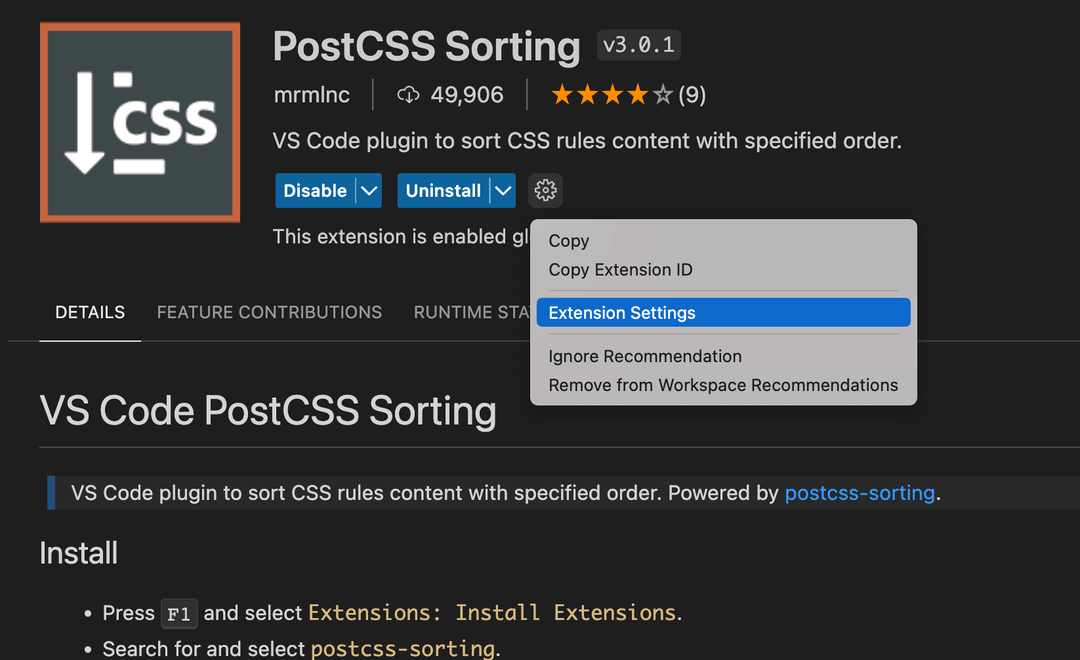
2.properties-order 안에 원하는 선언순서에 맞게 css 속성들을 정렬해준다.
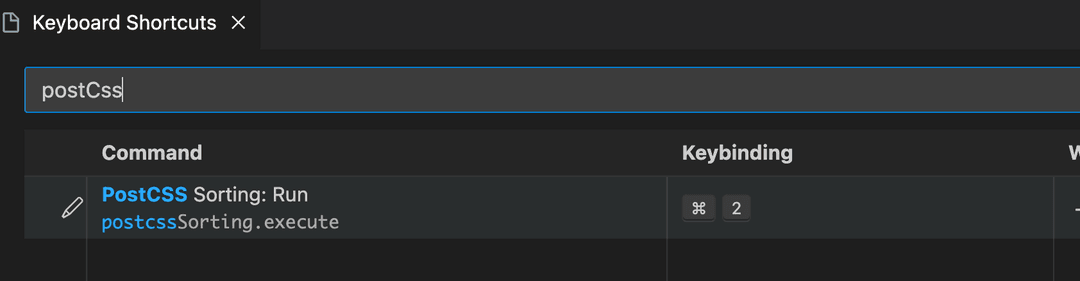
 3. keyboard shortcuts 에서 해당 익스텐션의 단축키를 등록해주자.
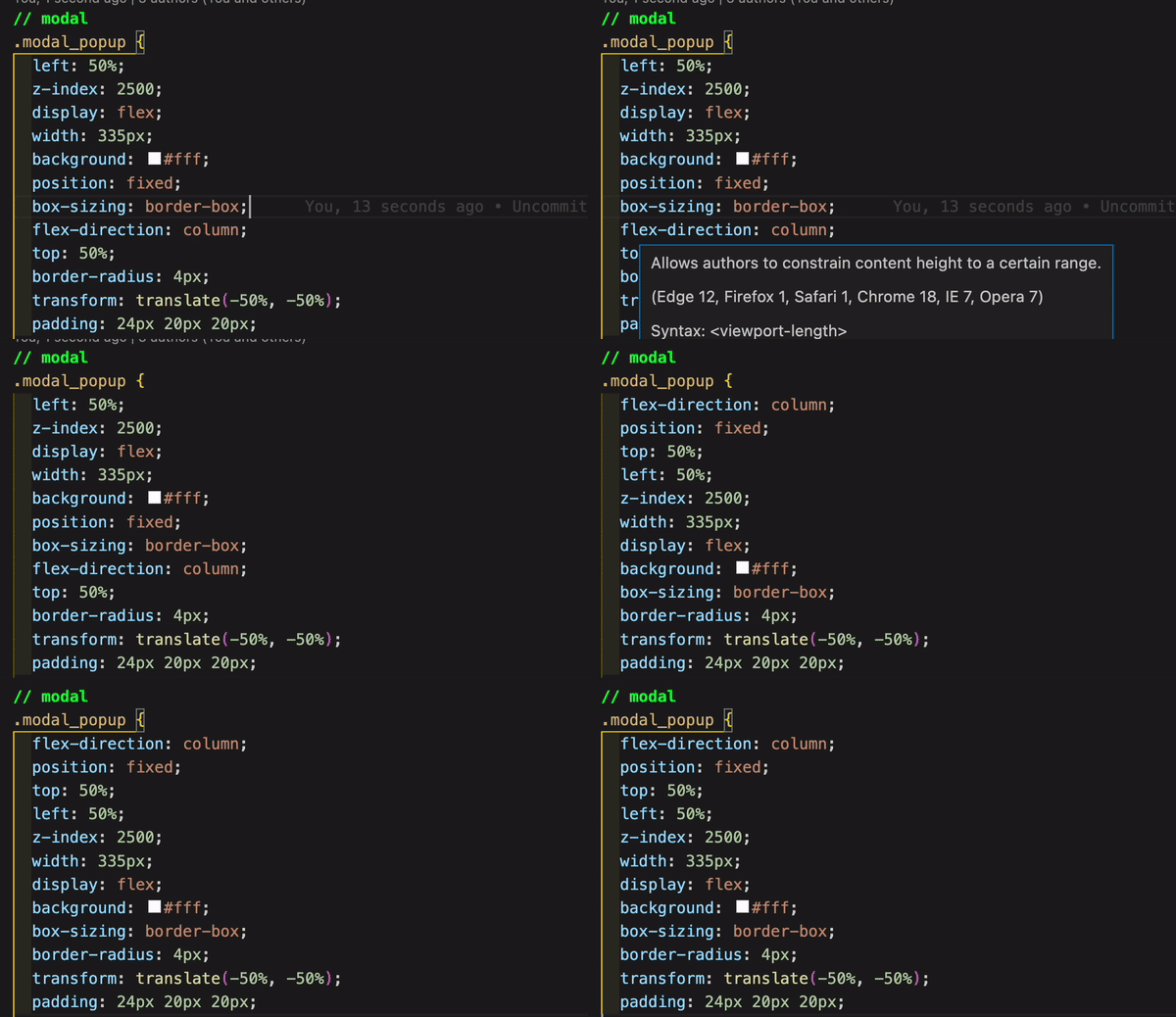
단축키를 이용해 쉽게 선언순서를 정렬할 수 있다.
NHN 코딩 컨벤션에 따른 CSS 선언순서
NHN 코딩 컨벤션에 따른 CSS 선언순서 나는 네이버 코딩 컨벤션을 기준으로 정렬하고 있으며 그동안 선언순서에 맞춰 정리한 CSS 속성들을 업데이트 하고 공유한다.
"postcssSorting.config": { "properties-order": [ /* Layout */ "display", "grid", "grid-column-gap", "grid-row-gap", "grid-auto-flow", "grid-auto-rows", "grid-auto-columns", "justify-items", "align-content", "place-items", "gap", "align-items", "justify-content", "flex-wrap", "flex-basis", "flex-grow", "flex-shrink", "flex", "align-self", "flex-direction", /* Box */ "margin", "margin-top", "margin-right", "margin-bottom", "margin-left", "padding", "padding-top", "padding-right", "padding-bottom", "padding-left", "border", "border-top", "border-bottom", "border-right", "border-left", "border-style", "border-color", "border-top-width", "border-right-width", "border-bottom-width", "border-left-width", "border-top-style", "border-right-style", "border-bottom-style", "border-left-style", "border-top-color", "border-right-color", "border-bottom-color", "border-left-color", "border-top-left-radius", "border-top-right-radius", "border-bottom-right-radius", "border-bottom-left-radius", "outline", "outline-width", "outline-style", "outline-color", "outline-offset", "box-shadow", "overflow", "overflow-x", "overflow-y", "clip", "position", "top", "right", "bottom", "left", "z-index", "width", "min-width", "max-width", "height", "min-height", "max-height", "float", "clear", "visibility", "vertical-align", /* Background */ "background", "background-color", "background-image", "background-repeat", "background-attachment", "background-position", "background-clip", "background-origin", "background-size", /* Font */ "font-family", "font-size", "font-style", "font-weight", "line-height", "color", "text-align", "text-decoration", "text-transform", "letter-spacing", "text-shadow", "white-space", "word-spacing", "word-break", "word-wrap", "text-indent", "direction", "unicode-bidi", "hyphens", /* Animation and Transition */ "animation", "animation-name", "animation-duration", "animation-timing-function", "animation-delay", "animation-iteration-count", "animation-direction", "animation-fill-mode", "animation-play-state", "transition", "transition-property", "transition-duration", "transition-timing-function", "transition-delay", /* Other */ "content", "counter-reset", "counter-increment", "quotes", "list-style", "list-style-position", "list-style-type", "caption-side", "empty-cells", "table-layout", "pointer-events", "cursor", "resize", "overflow-wrap", "scroll-snap-type", "scroll-padding", "scroll-padding-top", "scroll-padding-right", "scroll-padding-bottom", "scroll-padding-left", "scroll-behavior", "scroll-snap-align", "scroll-snap-margin", "scroll-snap-stop", "scrollbar-width", "scrollbar-color" ] }