블로그 · 2026년 3월 13일 · 읽기 2분
Next.js Pages Router에서 Scroll Restoration 직접 구현하기
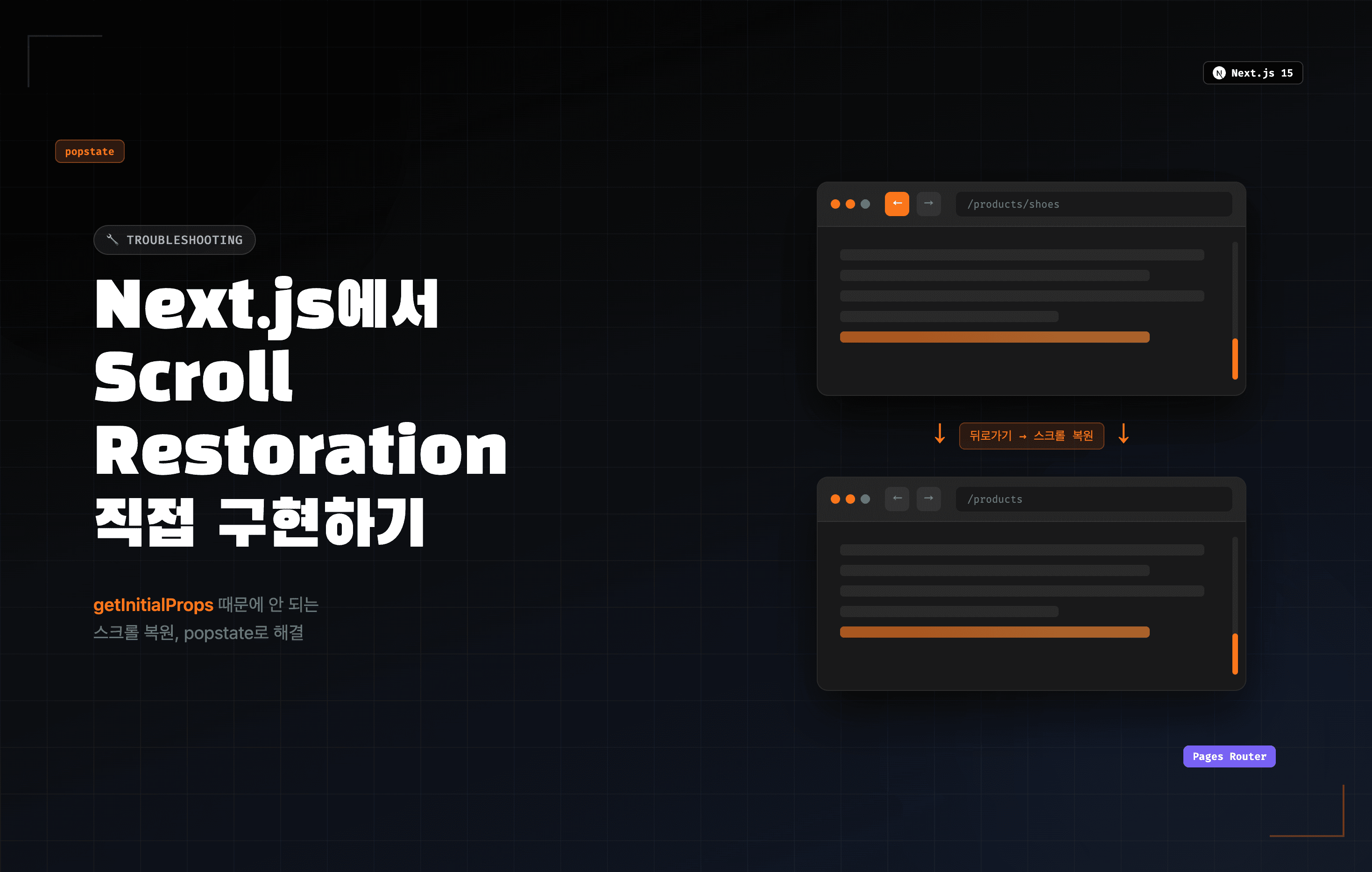
배경
기존에 Next.js 13 Pages Router로 운영 중이던 프로젝트를 Next.js 15로 업데이트한 후, 뒤로가기/앞으로가기 시 스크롤 위치가 전혀 복원되지 않는 문제가 발생했다.
next.config.js에 scrollRestoration: true가 설정되어 있었고 Next.js 13에서는 정상 동작했지만, 15로 업데이트 후 동작하지 않았다.
원인 분석
scrollRestoration: true가 작동하지 않는 이유
Next.js의 scroll restoration은 next/dist/client/router.js 내부에서 처리된다. 그런데 _app.tsx에 App.getInitialProps가 존재하면, 모든 페이지 이동이 서버 데이터를 새로 fetch하는 hard navigation으로 처리되어 스크롤 복원 로직이 스킵된다.
// _app.tsx App.getInitialProps = async ({ Component, ctx }: AppContext) => { // 이게 있으면 scrollRestoration: true 무력화 ... };
getInitialProps를 제거하면 해결되지만, 서버사이드 공통 데이터 fetch가 필요한 경우 제거할 수 없다. 직접 구현이 필요하다.
App Router를 사용하는 경우
_app.tsx와getInitialProps개념 자체가 없고layout.tsx구조로 대체되므로 이 문제가 발생하지 않는다. 브라우저 native scroll restoration이 기본적으로 잘 동작한다.
1차 구현 — 수동 Scroll Restoration
// _app.tsx const shouldRestore = useRef(false); useEffect(() => { if ('scrollRestoration' in window.history) { window.history.scrollRestoration = 'manual'; } const saveScroll = () => { const pathWithoutHash = router.asPath.split('#')[0]; sessionStorage.setItem(`scroll:${pathWithoutHash}`, String(window.scrollY)); }; const onRouteChangeStart = () => { saveScroll(); shouldRestore.current = true; // ❌ 문제의 코드 }; const onRouteChangeComplete = (url: string) => { if (url.includes('#')) { shouldRestore.current = false; return; } if (!shouldRestore.current) return; shouldRestore.current = false; const path = url.split('#')[0]; const y = sessionStorage.getItem(`scroll:${path}`); if (y !== null) { requestAnimationFrame(() => window.scrollTo(0, Number(y))); } }; router.events.on('routeChangeStart', onRouteChangeStart); router.events.on('routeChangeComplete', onRouteChangeComplete); window.addEventListener('beforeunload', saveScroll); return () => { router.events.off('routeChangeStart', onRouteChangeStart); router.events.off('routeChangeComplete', onRouteChangeComplete); window.removeEventListener('beforeunload', saveScroll); }; }, [router]);
뒤로가기/앞으로가기 시 스크롤 복원은 됐지만 새로운 문제가 발생했다.
추가 이슈 — 탭/링크 클릭 이동도 스크롤을 복원해버림
예를 들어 /footwear/sandals-slides에서 바닥까지 스크롤한 뒤, 네비게이션 탭을 클릭해서 /footwear/boots로 이동했다가 다시 /footwear/sandals-slides 탭을 클릭하면, 이전에 저장된 바닥 위치로 복원되어버렸다.
원인
onRouteChangeStart에서 shouldRestore.current = true를 항상 켜버렸기 때문이다. 뒤로가기뿐 아니라 일반 링크 클릭도 routeChangeStart를 거치므로, 모든 이동에서 복원이 발동됐다.
최종 해결 — popstate로 뒤로가기/앞으로가기만 감지
핵심은 단순하다. popstate 이벤트는 뒤로가기/앞으로가기에서만 발생한다. 일반 링크 클릭(router.push)에서는 발생하지 않는다.
shouldRestore 플래그를 routeChangeStart가 아니라 popstate에서만 켜면 된다.
// _app.tsx const shouldRestore = useRef(false); useEffect(() => { if ('scrollRestoration' in window.history) { window.history.scrollRestoration = 'manual'; } const saveScroll = () => { const pathWithoutHash = router.asPath.split('#')[0]; sessionStorage.setItem(`scroll:${pathWithoutHash}`, String(window.scrollY)); }; const onRouteChangeStart = () => { saveScroll(); // 이동 전 현재 위치만 저장 }; const onRouteChangeComplete = (url: string) => { if (url.includes('#')) { shouldRestore.current = false; return; } if (!shouldRestore.current) return; shouldRestore.current = false; const path = url.split('#')[0]; const y = sessionStorage.getItem(`scroll:${path}`); if (y !== null) { requestAnimationFrame(() => window.scrollTo(0, Number(y))); } }; // ✅ 뒤로가기/앞으로가기일 때만 복원 플래그 ON const onPopState = () => { shouldRestore.current = true; }; router.events.on('routeChangeStart', onRouteChangeStart); router.events.on('routeChangeComplete', onRouteChangeComplete); window.addEventListener('popstate', onPopState); window.addEventListener('beforeunload', saveScroll); return () => { router.events.off('routeChangeStart', onRouteChangeStart); router.events.off('routeChangeComplete', onRouteChangeComplete); window.removeEventListener('popstate', onPopState); window.removeEventListener('beforeunload', saveScroll); }; }, [router]);
동작 흐름 정리
| 이동 방식 | popstate 발생 | shouldRestore | 결과 |
|---|---|---|---|
| 링크/탭 클릭 (router.push) | ❌ | false | 스크롤 탑 (복원 안 함) |
| 뒤로가기 | ✅ | true | 저장된 위치 복원 |
| 앞으로가기 | ✅ | true | 저장된 위치 복원 |
참고 — scroll: false와의 조합
특정 페이지에서 router.push(url, undefined, { scroll: false })를 사용하는 경우, Next.js가 스크롤을 건드리지 않고 popstate도 발생하지 않아 복원 로직이 개입하지 않는다. 이 케이스는 해당 컴포넌트에서 별도로 스크롤 위치를 직접 제어하면 된다.